Add TOPKHOJ as a Preferred Source on Google
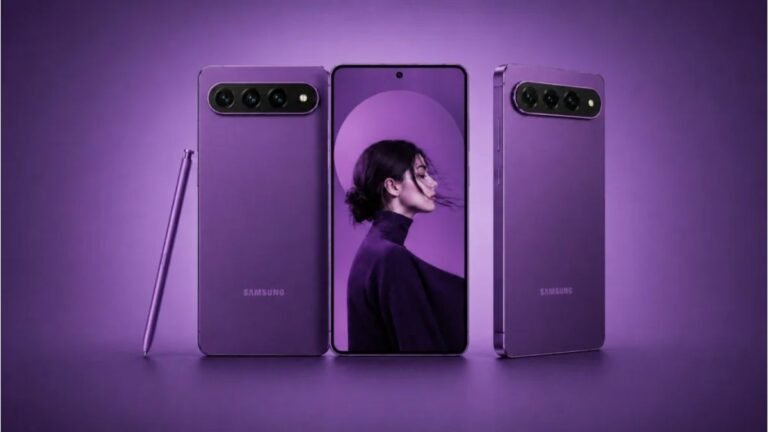
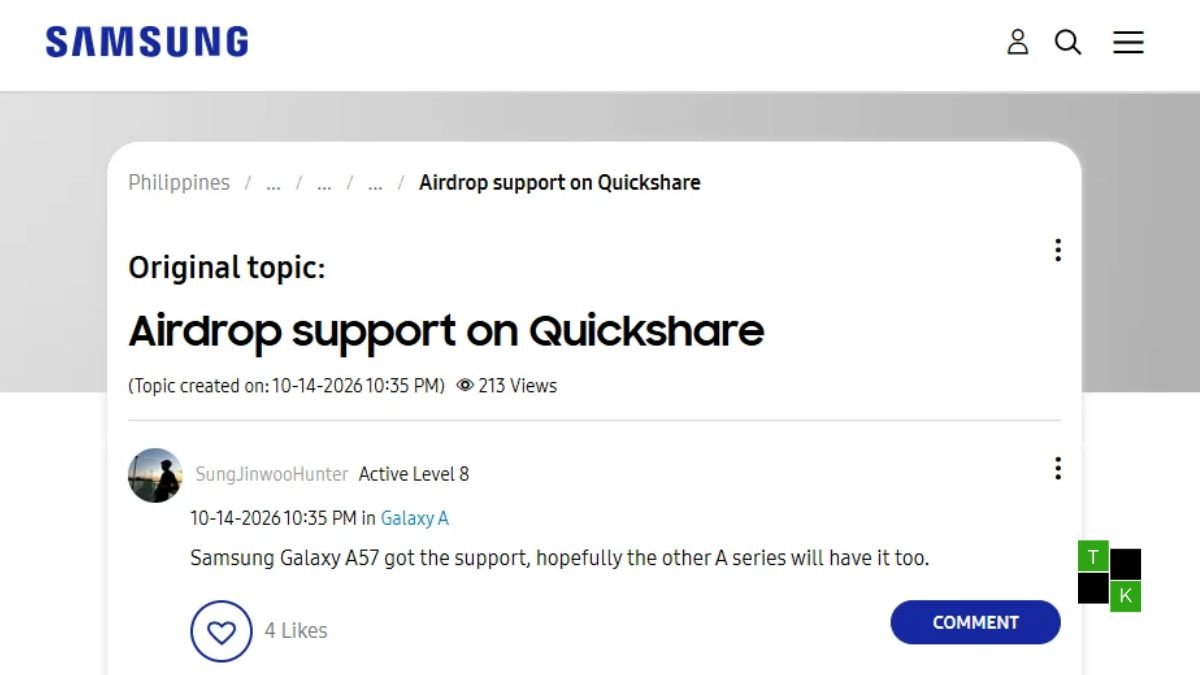
For more than a decade, sharing a high-resolution vacation video or an uncompressed batch of event photos between an Android phone and an iPhone has been an exercise in frustration. Users were forced to choose between heavily compressed WhatsApp attachments, sluggish third-party file transfer utilities, or temporary expiring cloud links. That friction is finally dissolving for millions of everyday users as the Samsung Galaxy A57 AirDrop capability officially expands to mid-range hardware via the stable One UI 9 update.
First introduced as an exclusive flagship perk on the premium Galaxy S26 series earlier this year, Samsung has quietly updated its core Quick Share framework for the Galaxy A57 and its predecessor, the Galaxy A56.
Under a newly activated system setting labeled “Share with Apple devices,” these mid-range devices can now broadcast wireless discovery beacons that nearby Apple hardware natively recognizes as standard AirDrop incoming transfers. The result is seamless, high-speed, peer-to-peer transfers to iOS and macOS with zero compression and zero third-party software required.
How It Works: Bridging Quick Share and Apple’s AWDL Protocol
To make Android-to-Apple transfers feel native, Samsung’s software engineers didn’t rely on cloud servers or browser-based relays. Instead, Quick Share now directly interfaces with Apple’s local wireless architecture:
- Bluetooth LE Discovery Handshake: When you open the Quick Share menu on your Galaxy A57 or A56, the phone’s Bluetooth radio broadcasts a discovery signal formatted specifically for Apple’s proximity listener. Nearby Apple devices running iOS, iPadOS, or macOS detect the incoming request just as if another iPhone were nearby.
- Direct Wi-Fi Peer-to-Peer Transfer: Once the transfer is accepted on the receiving Apple device, the phones establish an ad-hoc local Wi-Fi Direct connection. This bypasses home Wi-Fi routers and cellular mobile data entirely, delivering high transfer throughput averaging between 45 MB/s and 70 MB/s.
- Zero Quality Loss: Unlike chat apps that downsample images to 1080p and crush dynamic range, files transferred via Quick Share’s Apple bridge retain full original EXIF metadata, RAW color depth, and uncompressed 4K 60fps bitrates.
Step-by-Step: How to Enable AirDrop Transfers on Galaxy A56 & A57
The feature is currently rolling out as part of the One UI 9 (Android 16) firmware distribution, though it also requires an update to the standalone Quick Share engine via the Galaxy Store.
Setting Up Your Galaxy Phone:
- Open the Galaxy Store app, tap the Menu tab, and ensure Quick Share and its auxiliary connectivity packages are fully updated.
- Open system Settings and tap on Connected devices.
- Select Quick Share.
- Scroll down and toggle on “Share with Apple devices.” (Note: On some regional builds, this switch is enabled by default upon installing One UI 9).
- Set your Galaxy device’s general sharing visibility to “Everyone nearby” for maximum discovery speed.
Preparing the Receiving iPhone, iPad, or Mac:
- On the Apple device, swipe down from the top-right corner to access the Control Center.
- Long-press the network widget block (containing Wi-Fi and Bluetooth) and tap the AirDrop icon.
- Select “Everyone for 10 Minutes.” (Because Apple restricts “Contacts Only” AirDrop discovery to verified iCloud IDs, third-party Android handshakes require the standard 10-minute temporary discovery window).
- On your Galaxy phone, select the file, tap Share > Quick Share, and tap the Apple user’s contact icon that appears on screen. Tap Accept on the Apple screen to initiate the transfer.
Real-World Limitations and the “10-Minute” Friction
While this cross-platform bridge is a major quality-of-life victory, users should keep a few practical constraints in mind:
- The Apple 10-Minute Timer: Apple’s operating systems automatically revert AirDrop visibility from “Everyone” back to “Contacts Only” after 10 minutes to prevent unsolicited spam in public spaces. This means you will still need to ask your iPhone-toting friends to manually toggle their AirDrop setting to “Everyone” before sending files.
- Receiving From iPhones Remains Limited: As currently deployed on One UI 9, the connection works primarily as a one-way transmission bridge (Galaxy sending to Apple). While iPhones can detect a Galaxy phone as an AirDrop target if the Galaxy screen is unlocked inside the Quick Share receive panel, automated system-level incoming prompts on the Galaxy remain somewhat less consistent than native iOS-to-iOS transfers.
- Apple’s Inevitable Security Response: Because Samsung achieved this integration by mimicking Apple’s proprietary wireless handshakes, there is always an ongoing cat-and-mouse risk. If Apple rolls out minor iOS security revisions that alter token encryption, Samsung will need to issue rapid companion updates through the Galaxy Store to maintain compatibility.
File Sharing Methods Compared: Galaxy to Apple Devices
| Transfer Method | Average Transfer Speed | Image / Video Quality | Setup Friction | Internet Required? |
| Quick Share (One UI 9 Apple Mode) | 45 – 70 MB/s (Local Wi-Fi) | 100% Uncompressed Original | Minimal (Apple set to ‘Everyone’) | No (Completely Offline) |
| WhatsApp / Telegram Document Mode | 2 – 8 MB/s (Cloud Dependent) | Uncompressed (Only if sent as file) | Medium (Uploads then downloads) | Yes (Both devices need data) |
| Quick Share QR Link / Cloud | 5 – 15 MB/s (Cloud Relay) | Original Quality Retained | High (Receiver must scan and open browser) | Yes (Upload and download quotas) |
| Third-Party Apps (LocalSend/AirDroid) | 30 – 50 MB/s (Local Wi-Fi) | Original Quality Retained | Very High (App required on both devices) | No |
Market Impact: Why Bringing AirDrop to the A-Series Matters
While power users expect cutting-edge software tricks on $1,200 halo flagships like the Galaxy S26 Ultra, expanding this feature to the Galaxy A57 and A56 represents a much more disruptive shift in consumer behavior:
- The High-Volume Sweet Spot: The Galaxy A5x series represents Samsung’s best-selling smartphones worldwide, dominating high-volume mid-range segments across India, Europe, Latin America, and Southeast Asia. Putting cross-platform interoperability in the pockets of mainstream buyers under ₹35,000 / $400 weakens Apple’s ecosystem lock-in.
- Eliminating the “Blue Bubble” Social Friction: Between Apple’s recent adoption of RCS messaging for high-res texting and Samsung’s direct AirDrop compatibility in Quick Share, the social barrier between using an Android phone in an iOS-dominated circle of friends or colleagues has virtually disappeared.
- Precedent for the Entire Android Ecosystem: Because Google and Samsung now maintain a unified Quick Share code base, this implementation on Galaxy devices could pave the way for other Android manufacturers-such as Motorola, OnePlus, and Xiaomi-to demand similar standardized bridges.
If you own a Galaxy A56 or Galaxy A57, head into your system settings to check for the One UI 9 OTA download, update your Quick Share components, and test out uncompressed wireless file sharing with the nearest iPhone.
🚨 Stay Updated with TopKhoj! 🚨
Get the latest tech news, deals, and exclusive offers first!
📰 Visit News Section📲 Join our Telegram Channel for real-time updates and best deals!
🔗 Join Telegram Now💡 Stay informed and never miss a great deal with TopKhoj!
⚠️ Disclaimer: Any link provided in the article related to a product or service will redirect you to our affiliate partner(s)' website, which are affiliate links. This means that if you make a purchase through these links, we may earn a commission at no extra cost to you. This commission helps support our blog and our work.
🔔 All prices mentioned above are subject to change based on current offers and availability on e-commerce platforms. Please check the latest price and product details on the product page before making a purchase.