Add TOPKHOJ as a Preferred Source on Google
Adobe has officially expanded its creator ecosystem by releasing the Adobe Premiere video editor as a native, free application for Android devices. Arriving on the Google Play Store following an earlier iOS rollout, the app represents a clean-slate replacement for the outgoing Premiere Rush, delivering professional-grade timeline capabilities directly to mobile-first content creators.
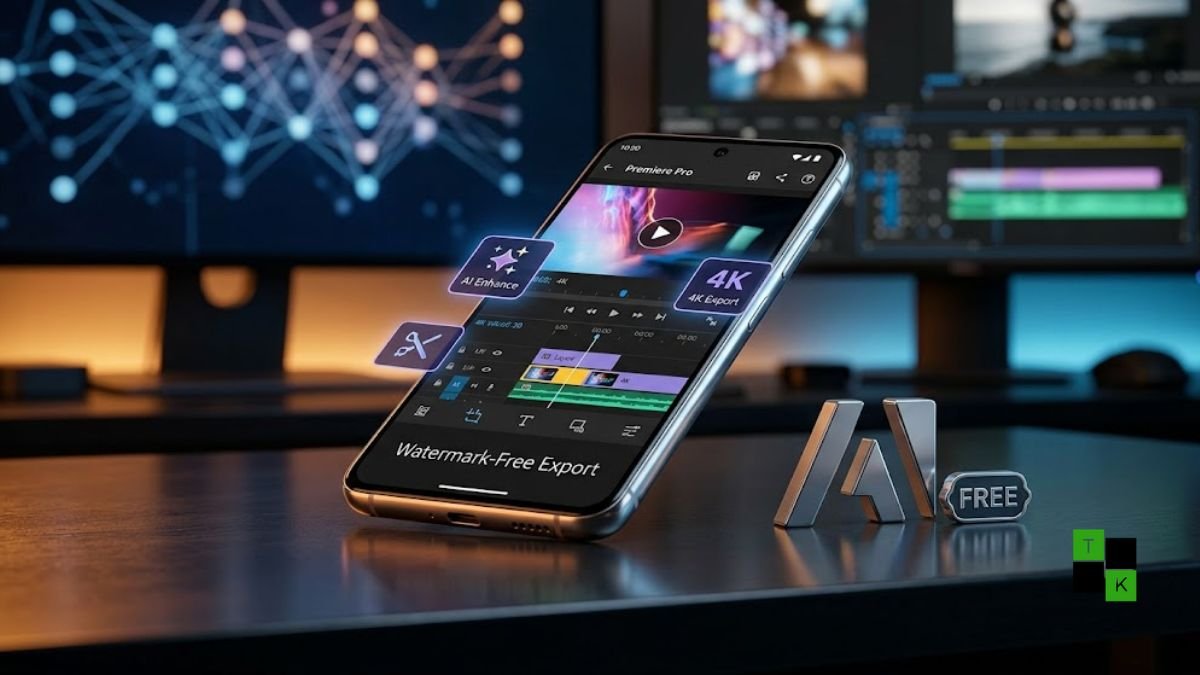
Setting itself apart from freemium competitors that lock high-resolution exports behind subscription paywalls or impose intrusive branding, Adobe Premiere on Android is completely free of watermarks, full-screen advertisements, and forced upgrade prompts. Users can edit multi-layer timelines and export projects in uncompressed 4K resolution at 60fps without paying a subscription.
Desktop Precision on Mobile: Multi-Track Timeline & Audio Tools
Rather than shipping a stripped-down companion app, Adobe has adapted core Premiere Pro interaction patterns for vertical and horizontal touch interfaces:
- Frame-Accurate Multi-Track Timeline: The editing canvas supports layered video clips, B-roll overlays, picture-in-picture graphics, music tracks, sound effects, and animated text blocks with magnetic snapping and micro-trimming.
- Granular Speed Ramps: Creators can apply variable speed curves, reverse video playback, or freeze keyframes for dramatic action shots.
- One-Tap Enhance Speech: Powered by Adobe’s neural audio engine, the app includes a single-tap background noise removal tool that isolates spoken dialogue, eliminates room echo, and enhances voice clarity.
- Foldable Phone Optimization: The app includes responsive UI scaling engineered specifically for book-style foldable devices, expanding timeline tracks and preview monitors across larger inner screens without stretching UI elements.
Firefly Generative AI: On-Device Creation Tools
The mobile editor incorporates Adobe’s Firefly generative AI platform to speed up daily editing workflows:
- Generative Fill for Video: Allows editors to select and remove distracting background objects or add elements dynamically into existing frames.
- Text-to-Sound Effects: Creators can type text prompts (e.g., “heavy city rain on an umbrella” or “cinematic bass drop”) to generate custom sound clips directly inside the project timeline.
- Image-to-Video Generation: Users can generate short ambient video cutaways from static photos to bridge continuity gaps between scenes.
- Credit-Based Model: While baseline video editing, color grading, and 4K exporting are entirely free, extended generative AI outputs consume Firefly credits, with optional cloud storage expansions and credit top-ups available for purchase.
Adobe Premiere for Android: Key Features & System Requirements
| Parameter / Feature | Android Release Specification |
| Platform Availability | Google Play Store (Global Rollout) |
| Pricing Model | 100% Free (No Ads, No Watermarks, No Mandatory Sign-Up) |
| Export Formats | Up to 4K Resolution at 60fps with Custom Bitrate Control |
| Minimum OS Version | Android 13 or Higher |
| Hardware Requirements | Minimum 5GB of System RAM |
| Generative AI Platform | Integrated Adobe Firefly (Generative Fill, Sound FX) |
| Audio Processing | One-Tap Enhance Speech & Multi-Track Audio Mixing |
| Predecessor Status | Replaces Adobe Premiere Rush (Retiring Late Sept 2026) |
| Upcoming Roadmapped Features | Adobe Fonts Library, Auto Beat-Sync, Desktop Project Hand-Off |
Replacing Premiere Rush and Countering CapCut
The launch comes ahead of the formal retirement of Premiere Rush, which Adobe is phasing out to streamline its mobile offering under the unified Premiere brand name.
By eliminating watermarks and resolution caps, Adobe is directly challenging ByteDance’s CapCut, InShot, and Meta’s in-app creation tools:
- No Forced Logins: Users can open the app and begin editing immediately on local device storage without being forced to create an Adobe ID or enter payment credentials.
- Privacy & Local Storage: Projects are rendered locally on the phone’s hardware, reducing reliance on cloud queues for standard video cuts.
India-First Creator Focus and Regional Localization
With emerging markets leading the shift toward smartphone-only production workflows, Adobe highlighted the strategic importance of the Indian creator economy during the launch:
- Mobile-First Content Creation: According to Diksha Kuhar, Director of Product Marketing for Premiere mobile at Adobe, over 95% of Indian creators operate in a mobile-first environment, making high-performance smartphone editing tools critical.
- Regional Templates & Festivals: Adobe is partnering with local creators to release pre-made video templates timed around the Indian festive season, including Diwali-themed motion graphics.
- Hinglish & Regional Captions: In upcoming updates, the auto-captioning tool will expand beyond English to support Hindi and Hinglish transcription, allowing creators to generate synchronized multi-lingual on-screen subtitles automatically.
What’s Coming Next to Premiere Mobile
Adobe confirmed that while the current early access release handles full production pipelines, several workflow features remain in active engineering:
- Adobe Fonts Integration: Direct mobile access to thousands of licensed typography styles at no extra cost.
- Beat-to-Sync: Automated rhythm detection that aligns clip cuts and transition triggers to the tempo of background music.
- Desktop Project Hand-Off: The ability to begin a rough cut on an Android phone or tablet and transfer the open project file seamlessly to Premiere Pro on Windows or macOS for final grading.
Adobe Premiere on Android is available as a free download through the Google Play Store for devices running Android 13 or later with at least 5GB of RAM.
🚨 Stay Updated with TopKhoj! 🚨
Get the latest tech news, deals, and exclusive offers first!
📰 Visit News Section📲 Join our Telegram Channel for real-time updates and best deals!
🔗 Join Telegram Now💡 Stay informed and never miss a great deal with TopKhoj!
⚠️ Disclaimer: Any link provided in the article related to a product or service will redirect you to our affiliate partner(s)' website, which are affiliate links. This means that if you make a purchase through these links, we may earn a commission at no extra cost to you. This commission helps support our blog and our work.
🔔 All prices mentioned above are subject to change based on current offers and availability on e-commerce platforms. Please check the latest price and product details on the product page before making a purchase.