Add TOPKHOJ as a Preferred Source on Google
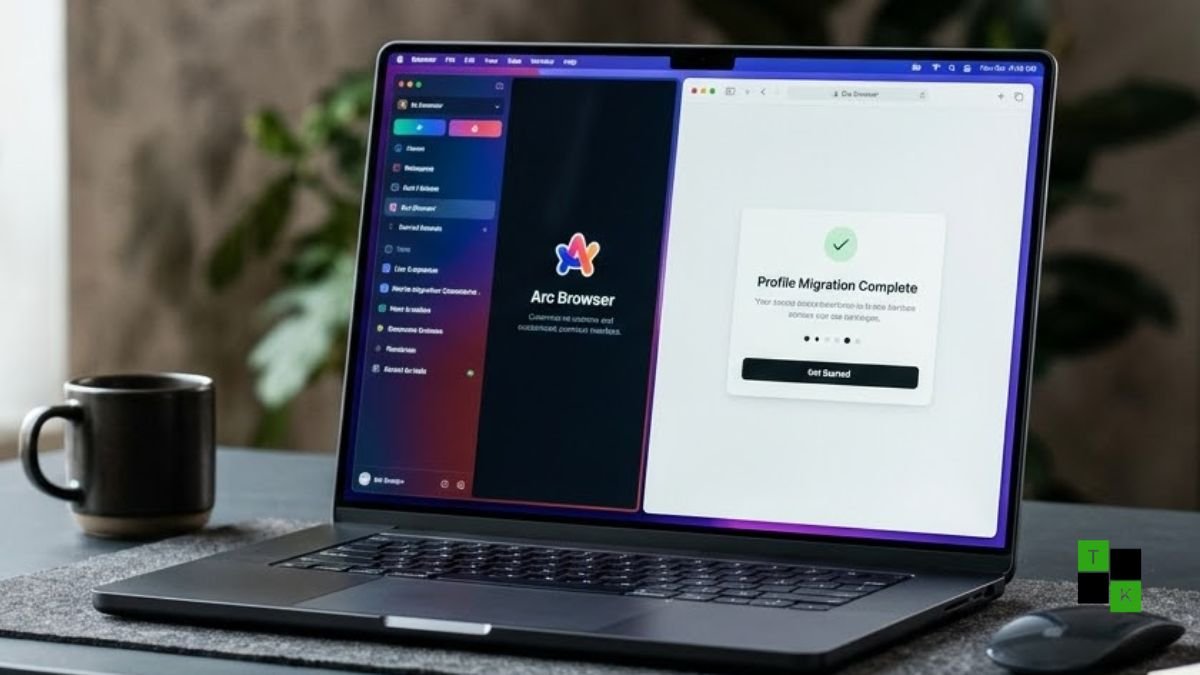
For power users, designers, and web enthusiasts who fell in love with vertical sidebars, spaces, and fluid split views, the inevitable reality check has arrived: Arc Browser is shutting down permanently on December 22, 2026. The Browser Company has officially published its end-of-life roadmap, confirming that desktop versions of the beloved browser will cease functioning and all Arc sync accounts will be deactivated before the new year.
The decision marks the end of one of the most innovative and design-forward browser experiments of the decade.
Having placed Arc into a maintenance-only holding pattern last year, The Browser Company is consolidating all engineering, product, and security resources behind Dia-its newer, enterprise-oriented AI browser.
While the company highlights that Dia is faster, more stable, and inherits Arc’s best interface paradigms with a seamless one-click migration path, the news has ignited grief, frustration, and dark humor across the tech community.
The Shutdown Timeline: Key Deadlines Every Arc User Must Know
Rather than killing access instantly, The Browser Company is rolling out a strict two-month, phased sunset schedule:
- October 22, 2026 (Effective Immediately): New Arc account creation has been disabled. Existing users can continue browsing normally for now, but no new users can join the ecosystem.
- November 23, 2026 (Mobile Strip-Down): Cloud synchronization of tabs, “Browse for Me,” and mobile AI capabilities will be turned off across the iOS and Android versions of Arc.
- December 22, 2026 (The Hard Shutdown): The desktop client on macOS and Windows will stop working completely, and all Arc cloud accounts will be formally deactivated. After this date, you will no longer be able to open the browser or sync your tabs.
Why Kill Arc? Security, Enterprise Budgets, and the $30M Hole
To everyday users, killing a universally praised browser with a cult-like following sounds like madness. But looking at the business fundamentals, Arc was a victim of its own engineering complexity:
- The Security Imperative: The Browser Company noted that Arc’s sprawling, bespoke user interface-heavy with complex animations, custom Swift bindings, and layered window management-made patching zero-day Chromium vulnerabilities an engineering nightmare. “Dia was built from the ground up to meet today’s security standards, so that’s where our engineering and security teams will focus moving forward,” the company stated.
- The Adoption Disconnect: Despite vocal praise on tech Twitter and Reddit, internal usage metrics showed that most people never actually used Arc’s most ambitious features. “Spaces” were utilized by only a fraction of active users, and features like calendar peek hovered around 0.4% usage.
- The Pivot to Enterprise Utility: Burning through tens of millions of dollars annually building custom consumer features that few adopted was unsustainable. Dia abandons the eccentric consumer novelty in favor of tools that businesses will actually pay for: a natural-language Omnibox, a “Morning Brief” that synthesizes Slack, Notion, and Gmail, and context-aware workspace AI.
Migrating to Dia: What Carries Over (and What Stays Free)
For users who want to stay within The Browser Company’s orbit, Dia has been prepped as the direct drop-in replacement, with core browsing functionality remaining completely free:
- Seamless One-Click Onboarding: During initial setup, Dia can automatically import your entire Arc profile-including logins, passwords, Chrome extensions, pinned tabs, favorites, and folders.
- Spaces Reborn as Profiles: Arc’s signature Spaces are preserved under the hood, now rebranded as Profiles. You can still isolate work, client, and personal browsing contexts with separate logins and cookies in a single swipe.
- Vertical Sidebar & Split View: If you can’t stand horizontal tab strips, Dia keeps the vertical sidebar layout alongside multi-tab Split View.
- Optional AI: The company stressed that Dia’s AI features (like the built-in assistant and meeting summaries) are completely optional. If you just want a fast, modern Chromium browser with vertical tabs, you can disable the AI toggles entirely.
Arc Browser Sunset: Timeline and Feature Parity
| Feature / Milestone | Arc Browser (Retiring) | Dia Browser (Successor) | Status & Transition Notes |
| Final Operational Date | December 22, 2026 (Ceases Working) | Active GA Release (Mac & Windows) | Two months to export user data |
| New Account Creation | Disabled (October 22, 2026) | Open to the Public | Existing users only until shutdown |
| Mobile Sync Disabled | November 23, 2026 | Rolling out companion mobile apps | Tab sync cut a month early |
| Tab Management | Vertical Sidebar, Spaces, Split View | Sidebar, Profiles, Splits, Tab Groups | Direct architectural carryover |
| Underlying Engine | Chromium (Maintenance Patches) | Chromium (Built-in Security Overhaul) | Dia is significantly faster and leaner |
| AI Integration | Arc Max (Basic summaries, rename) | Deep Work AI (Morning Brief, Multi-tab) | Optional AI tools with user control |
| Pricing Model | 100% Free | Free Core Tier (Paid Dia Pro for Heavy AI) | Daily browsing features remain free |
The Community Backlash: “Open Source It or Sunset Yourself”
Unsurprisingly, the announcement has triggered visceral reactions across tech circles:
- Calls to Open-Source Arc: Power users and developers have flooded social forums demanding that The Browser Company open-source Arc’s codebase so the community can maintain it independently. However, leadership has historically resisted this, as Arc shares foundational software development kits (SDKs) and proprietary rendering layers with Dia.
- The Fad Fatigue: Many loyalists expressed deep cynicism over the company abandoning a beloved design system to chase the corporate AI trend. Sarcastic memes on X (Twitter) joked about “sunsetting The Browser Company itself,” lamenting that another creative consumer tool was being killed to appease enterprise software playbooks.
What Should You Do Right Now?
If Arc is your daily workhorse, you have exactly two months to act:
- Test Dia: If you appreciate The Browser Company’s visual taste and want to keep your Spaces, Pinned Tabs, and shortcuts without manual re-configuration, downloading Dia and using the automated import tool is the least disruptive path.
- Consider Independent Alternatives: If you are disgusted by the forced transition or refuse to use an AI-centric browser, look at Zen Browser (an open-source, Firefox-based client that faithfully replicates Arc’s vertical tabs and split views without corporate lock-in) or Brave / Vivaldi for pure Chromium privacy and customization.
- Export Your Bookmarks Early: Do not wait until December 21. Open
Arc > Settings > Profiles, export your bookmarks and passwords to an HTML/CSV backup, and ensure you have a fallback browser ready before the servers go dark on December 22.
Arc dared to challenge the stale, tab-strip formula that Google Chrome standardized twenty years ago. While its life was cut short by business realities and shifting priorities, its design DNA has permanently altered the way modern software teams build for the web.
🚨 Stay Updated with TopKhoj! 🚨
Get the latest tech news, deals, and exclusive offers first!
📰 Visit News Section📲 Join our Telegram Channel for real-time updates and best deals!
🔗 Join Telegram Now💡 Stay informed and never miss a great deal with TopKhoj!
⚠️ Disclaimer: Any link provided in the article related to a product or service will redirect you to our affiliate partner(s)' website, which are affiliate links. This means that if you make a purchase through these links, we may earn a commission at no extra cost to you. This commission helps support our blog and our work.
🔔 All prices mentioned above are subject to change based on current offers and availability on e-commerce platforms. Please check the latest price and product details on the product page before making a purchase.