Add TOPKHOJ on Google:
 Preferred Source
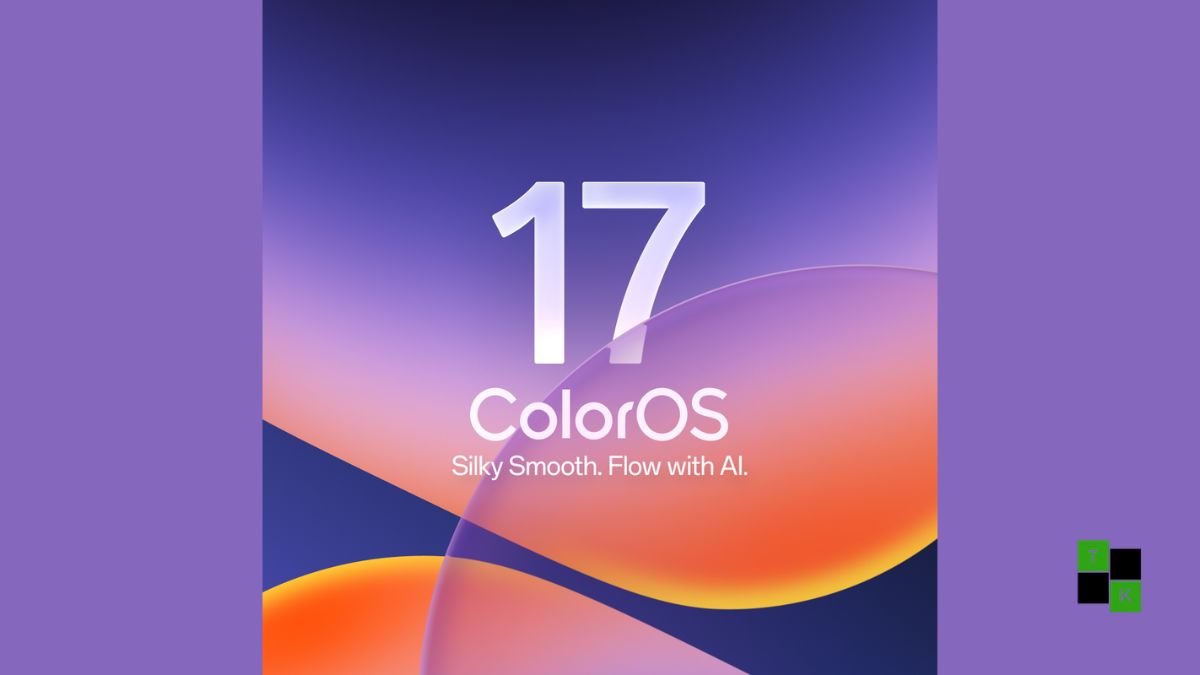
Following weeks of open beta testing across developer communities in India and global regions, the stable deployment of ColorOS 17 is officially underway. Built on top of Android 17, this software generation represents a critical milestone for parent group BBK: unifying the underlying software architectures of OPPO, OnePlus, and Realme into a cohesive, high-performance platform.
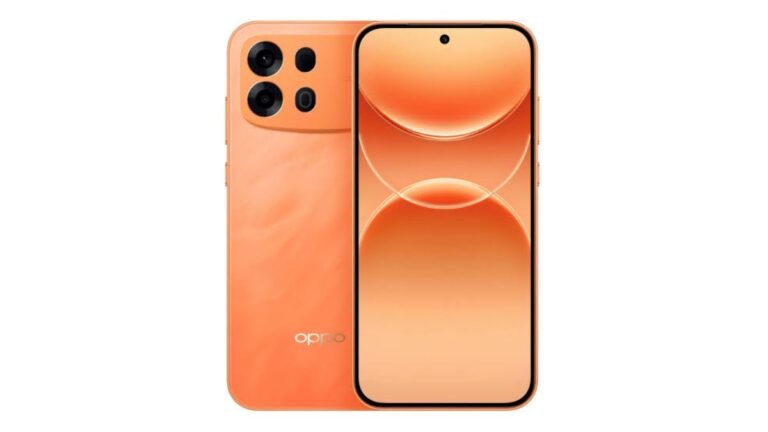
With commercial hardware like the OPPO Find X10 series and the OnePlus 16 shipping with the software out of the box, existing handset owners are now receiving over-the-air (OTA) updates.
Rather than settling for cosmetic tweaks, ColorOS 17 introduces a structural visual overhaul dubbed Living Flow Design, paired with the Aurora and Laminar Flow Rendering Engines engineered to guarantee long-term UI smoothness even on older hardware.
Coupled with the AI Mind Pilot multi-LLM workspace and unified O+ Connect cross-device handoffs, the update delivers a refined operating system experience.
Visual Physics: Living Flow Design & Liquid Glass
The most immediately apparent change in ColorOS 17 is how the interface moves and reacts to finger input:
- Living Flow Design Language: The entire interface adopts lightweight, translucent layering with adaptive blur effects across notification shades, quick settings panels, and app drawers. Every element incorporates physical momentum, shifting fluidly when dragged or dismissed.
- Mountain Way Dynamic Weather Theme: The redesigned lock screen features real-time dynamic environmental lighting that mirrors local weather conditions, rendering shifting cloud shadows, falling rain, and snow transitions with zero frame stutter.
- Redesigned Control Centre & Media Hub: Quick toggles feature rounded glass icons, accompanied by an expanded, album-art-centric media player that supports simultaneous dual Bluetooth audio output, letting two users connect separate pairs of wireless earbuds to one phone.
Core Rendering Engines: Aurora & Laminar Flow
To counter Android’s historical tendency to drop frames as local storage fills up, ColorOS 17 introduces a dual-engine architecture:
- The Laminar Flow Engine: Re-architects app lifecycle management, delivering 55% more stable application launches, 50% faster gallery image rendering, and 25% higher background app retention. OPPO guarantees that devices updated to ColorOS 17 will maintain over 90% of their day-one smoothness even when onboard storage reaches 90% capacity over a 6-year operational lifespan.
- The Aurora Rendering Engine: Decouples UI rendering threads from heavy background compute tasks. By lowering baseline system memory footprints by up to 18%, touch response latency is reduced, and swipe gestures feel instantaneous across high-refresh 120Hz, 144Hz, and 165Hz displays.
Deep System Intelligence: AI Mind Pilot & OSee
AI is embedded at the kernel level across everyday interactions rather than siloed inside standalone chatbots:
- AI Mind Pilot: A unified multi-model system tool that integrates leading generative engines (including Google Gemini, ChatGPT, and Manus) directly into system workflows. Users can convert raw brainstorming notes into finished presentation decks, assemble full travel itineraries from flight confirmations, or automate local file organization via natural language voice prompts.
- OSee Visual Intelligence: Enhances the system camera and screenshot tools with contextual vision. Pointing the viewfinder at objects surfaces instant identification, estimates nutritional calories, checks food ingredients against stored user allergies, and provides live document translation.
- AI Call Guard: Operates strictly on-device to analyze incoming audio, flagging potential telecom fraud, synthetic voice clones, and real-time AI face-swap video manipulation during calls.
- AI Live Interpreter: Enables hands-free, real-time bi-directional voice translation directly through connected hardware like the OPPO Enco X4 and OnePlus Buds Pro 4 earbuds without requiring the user to hold up their phone.
O+ Connect: Unified Cross-Device Continuity
Reflecting the shared hardware foundations across the ecosystem, ColorOS 17 expands its multi-device suite:
- Phone Connect: Offers zero-latency wireless screen mirroring, drag-and-drop clipboard syncing, and shared folder access between smartphones, Windows PCs, and tablets like the OnePlus Pad 4 and OPPO Pad 5 Pro.
- Camera Connect: Allows users to access live camera feeds or capture photos remotely from another paired tablet or phone on the same Wi-Fi network.
- Post-Quantum Security & Private Cloud: Network transmissions across the O+ ecosystem utilize post-quantum encryption standards, supported by a verifiable Transparency Report that logs all on-device and cloud data exchanges.
Official ColorOS 17 Multi-Stage Deployment Roadmap
The stable OTA rollout is rolling out across multiple scheduled phases from late October 2026 through the first quarter of 2027:
| Deployment Phase | OPPO Devices | OnePlus Devices | Realme Devices |
| Phase 1: Late Oct 2026 | Find N6, Find X9 series, Find X8 series, Find N5, Reno16 series, Pad 5 Pro | OnePlus 15, OnePlus 15R, OnePlus 13, OnePlus 13s, OnePlus Pad 4 | Realme GT 8 Pro, GT 7 Pro, Realme 16 Pro series |
| Phase 2: Nov 2026 | Find N3, Find N3 Flip, Reno15 series, Reno14 series, K14 series, F33/F31/F29 5G | OnePlus Open, OnePlus 13R, OnePlus 12, Nord 6, Nord CE 6, Pad 3 | Realme GT 7 / 7T, Realme 16 / 15 series, P4 Pro, Narzo 90 |
| Phase 3: Dec 2026 | Reno13 series, K13 series, OPPO Pad 5 / Pad 3 Pro | OnePlus 12R, OnePlus 11, Nord 5, Nord CE 6 Lite, Pad 2 / Go 2 | Realme GT 6 / 6T, Realme 14 series, P4s / P3 series, Narzo Power |
| Phase 4: Q1 2027 | Find N2 Flip, Reno12 series, F33 Pro, F31 Pro+, Pad SE | OnePlus Nord 4, OnePlus N6 series, OnePlus Pad Lite | Realme P4 Lite, Narzo 80 Lite, Note 80 / Note 70 series |
Pre-Installation Checklist & Deployment Advice
Before accepting the ColorOS 17 OTA package on your smartphone, keep the following deployment tips in mind:
- Storage Overhead: Major Android OS upgrades require sufficient staging space. Ensure your device has at least 15 GB of free local storage to unpack system image partitions without read/write bottlenecks.
- Battery & Backup Precautions: Maintain a minimum battery charge of 60% before initiating installation, and perform a full cloud or physical backup of critical media and chat histories.
- Post-Update Indexing: During the first 24 to 48 hours following the update, the Laminar engine will rebuild background file indexes, recompile app caches, and calibrate battery charging metrics. It is common to observe slight temporary battery drain or subtle warmth during this initial setup window before thermal performance stabilizes.
🚨 Stay Updated with TopKhoj! 🚨
Get the latest tech news, deals, and exclusive offers first!
📰 Visit News Section📲 Join our Telegram Channel for real-time updates and best deals!
🔗 Join Telegram Now💡 Stay informed and never miss a great deal with TopKhoj!
⚠️ Disclaimer: Any link provided in the article related to a product or service will redirect you to our affiliate partner(s)' website, which are affiliate links. This means that if you make a purchase through these links, we may earn a commission at no extra cost to you. This commission helps support our blog and our work.
🔔 All prices mentioned above are subject to change based on current offers and availability on e-commerce platforms. Please check the latest price and product details on the product page before making a purchase.