Add TOPKHOJ on Google:
 Preferred Source
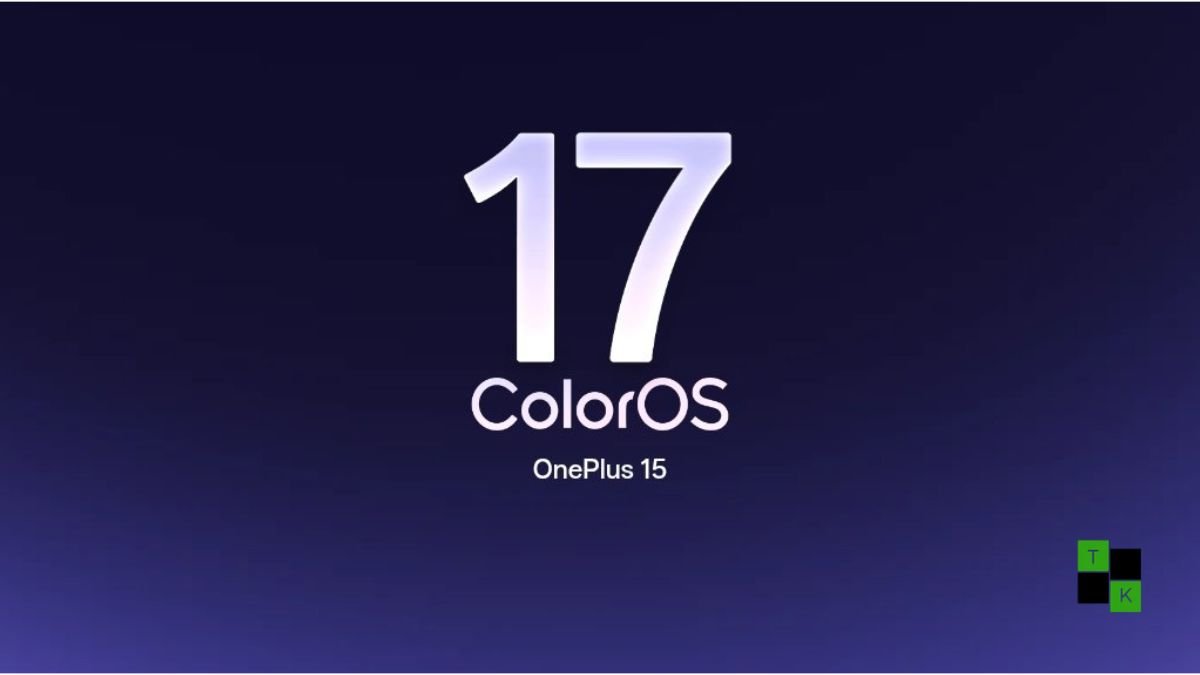
OnePlus users in India are receiving an unexpected early upgrade. Following the broader global launch of BBK’s next-generation operating system, OnePlus has officially kicked off an early stable rollout of ColorOS 17 across select flagship devices in the Indian market.
Built on Android 17, the firmware upgrade brings substantial refinements across system physics, on-device intelligence, and performance efficiency.
Leading the update is the new Living Flow Design language paired with the Luminous Rendering Engine, engineered to deliver smoother interface transitions and lower touch latency.
Alongside performance gains, the build integrates a dedicated generative suite-featuring AI Mind Pilot, AI Photo Agent, and AI Call Guard-while tailoring everyday utilities for Indian users with offline Hindi language models and automated duplicate storage management.
Visual Overhaul: Living Flow Design & Fluid Physics
The primary visual update in ColorOS 17 is how the operating system responds to physical touch input:
- Living Flow Design: The interface adopts refined translucent layering, dynamic frosted-glass panels, and physics-based fluid animations across the notification shade, app switcher, and lock screen. Windows glide and settle with realistic momentum when swiped or dismissed.
- Luminous Rendering Engine: Operating under the hood, the Luminous engine decouples animation drawing threads from heavy background compute tasks. This significantly reduces micro-stutters during rapid multi-app cycling and ensures full framerate consistency on 120Hz, 144Hz, and 185Hz display panels.
- Streamlined System Access: Quick settings and control toggles have been reorganized for faster thumb-reach accessibility, making frequently used connectivity, display, and audio tools reachable with a single downward swipe.
Kernel-Level Intelligence: AI Mind Pilot, Photo Agent & Call Guard
ColorOS 17 moves generative intelligence into native system utilities rather than confining it to web portals:
- AI Mind Pilot: A multi-modal productivity copilot integrated into system notes, browser tabs, and documents. Users can summarize multi-page PDF documents, draft context-aware emails, and extract action items from recorded voice notes using conversational prompts.
- AI Photo Agent: Enhances the native gallery with generative editing capabilities. The tool automatically detects unwanted background bystanders, removes glass glare from window reflections, and lets users expand image borders through intelligent outpainting without third-party editing apps.
- AI Call Guard (Scam & Spam Shield): Running locally on-device without routing personal audio to the cloud, Call Guard analyzes incoming calls from unknown numbers, flagging telemarketing spam, potential financial fraud, and synthetic AI voice clones in real time.
Localized Improvements: Offline Hindi Translation & Storage Cleanup
Addressing user feedback from prior Indian open betas, ColorOS 17 introduces several practical quality-of-life additions:
- Offline Hindi & Spanish Translation: Recognizing bandwidth limitations in transit, the system includes lightweight, on-device natural language translation packs. Users can translate full web pages, camera menus, and chat strings into Hindi and Spanish completely offline without an active cellular data connection.
- Expanded Smart Storage Cleanup: With mobile games and 4K video clips rapidly filling internal storage, the updated storage manager proactively identifies duplicate photos, burst shots, redundant WhatsApp video forwards, and orphaned application cache packages, allowing users to reclaim gigabytes of storage with a single tap.
- Battery Gains on OnePlus 13: Early adopters running the initial release on the OnePlus 13 report noticeable improvements in everyday power endurance compared to earlier beta builds. Improved background thread throttling and sleep-state optimizations under the Luminous engine have minimized overnight battery drain.
Eligible OnePlus Devices & Phased Rollout Schedule in India
The update is deploying via an OTA (over-the-air) staged rollout framework. High-end flagships receive initial priority to monitor server telemetry before wider mid-tier distribution:
| Rollout Window | Eligible OnePlus Models (India Region) | Build Status |
| Phase 1: Early Stable (Late Oct 2026) | OnePlus 15, OnePlus 15R, OnePlus 13, OnePlus 13s, OnePlus Pad 4 | Active Staged OTA |
| Phase 2: Mainline Flagships (Nov 2026) | OnePlus Open (Foldable), OnePlus 13R, OnePlus 12, OnePlus Pad 3 | Scheduled Deployment |
| Phase 3: Value Flagships (Dec 2026) | OnePlus 12R, OnePlus 11, Nord 6, Nord CE 6, OnePlus Pad 2 / Go 2 | Scheduled Deployment |
| Phase 4: Mid-Tier & Lite (Q1 2027) | OnePlus Nord 5, Nord 4, Nord CE 6 Lite, OnePlus Pad Lite | Extended 2027 Wave |
How to Check for the Update & Installation Guidelines
If you own an eligible Phase 1 handset, you can check for OTA availability manually:
- Navigate to Settings > About Device.
- Tap the top banner displaying the current OS version.
- Tap Check for Updates. If the early stable package has been assigned to your device’s IMEI batch, tap Download and Install.
- (Optional Beta Channel Check): If the update does not appear immediately, tap the three dots in the top right corner > Beta Program / Early Adopter Program to enroll directly in the early stable release tier.
Pre-Installation Best Practices:
- Storage Headroom: Ensure your phone has at least 15 GB of free onboard storage to stage the compressed installation package.
- Battery Health: Verify battery levels remain above 60% before starting the flash process.
- System Thermal Settling: Following a major Android OS migration, the Luminous engine will rebuild app compilation caches and re-index media files during the initial 24 to 48 hours. A minor temporary increase in operating temperature and faster initial battery consumption is standard before system efficiency normalizes.
🚨 Stay Updated with TopKhoj! 🚨
Get the latest tech news, deals, and exclusive offers first!
📰 Visit News Section📲 Join our Telegram Channel for real-time updates and best deals!
🔗 Join Telegram Now💡 Stay informed and never miss a great deal with TopKhoj!
⚠️ Disclaimer: Any link provided in the article related to a product or service will redirect you to our affiliate partner(s)' website, which are affiliate links. This means that if you make a purchase through these links, we may earn a commission at no extra cost to you. This commission helps support our blog and our work.
🔔 All prices mentioned above are subject to change based on current offers and availability on e-commerce platforms. Please check the latest price and product details on the product page before making a purchase.