Add TOPKHOJ as a Preferred Source on Google
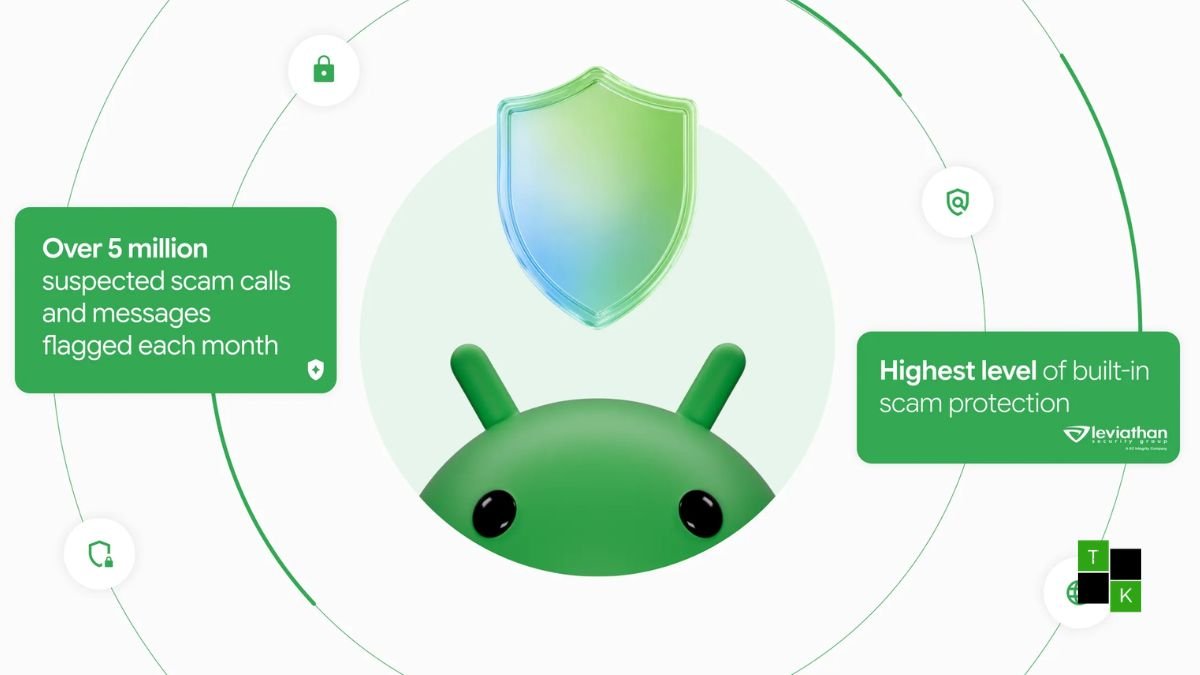
To combat the growing complexity of conversational social engineering, bank impersonation, and one-time passcode (OTP) interception, Google has officially unveiled a major suite of new Android protections.
Rolling out globally across Android smartphones and Google Messages, the security package introduces an opt-in Enhanced Protection Mode backed by Private AI Compute, on-device Gemini Nano link verification, call-forwarding safeguards that block malicious dialer codes, and an expansion of automatic screen-share privacy to protect sensitive banking credentials inside web browsers. The initiative represents a proactive shift in mobile defense-moving beyond reactive spam blacklists toward real-time, context-aware threat neutralisation.
Enhanced Protection Mode in Google Messages: Private AI Compute
The centerpiece of Google’s security announcement is an opt-in Enhanced Protection Mode inside Google Messages, engineered specifically to identify “slow-burn” conversational scams-such as pig-butchering and fraudulent investment schemes-that traditionally evade automated heuristic filters:
- Private AI Compute for Complex Context: While standard on-device models identify crude keyword triggers, sophisticated scammers often build rapport through days of benign chat before introducing a financial trap. Enhanced Protection Mode allows Google Messages to escalate ambiguous conversational context from unknown senders to Google’s most capable cloud Gemini models. This analysis occurs inside Private AI Compute-a zero-access, hardware-isolated cloud enclave where customer data is end-to-end encrypted and completely inaccessible to third parties or Google engineers.
- Real-Time Link Safety Checks via Gemini Nano: Scammers routinely circumvent URL blacklists by deploying ephemeral, freshly registered web domains that have not yet been indexed by security scanners. Powered by on-device Gemini Nano, the system evaluates live web signals, domain anomalies, and message context locally before the user clicks, warning them if an unfamiliar link demonstrates suspicious patterns.
- Contextual Interstitial Checkpoints: When a user taps a hyperlink sent by an unsaved contact, Android introduces a redesigned interstitial pause screen. This warning provides clear contextual cues about the sender’s origin, giving users an intentional moment to reflect before opening unverified external destinations.
Call-Forwarding Shields: Stopping One-Time Passcode (OTP) Theft
A prevalent attack vector involves social engineers tricking victims into enabling call forwarding, allowing fraudsters to intercept voice-based two-factor authentication codes and drain bank accounts. Google’s new protections tackle this threat at the dialer and operating system levels:
- Blocking Background Call Forwarding: Android will natively prevent background third-party applications from quietly modifying telephony settings or activating call forwarding routines without explicit user authorization.
- MMI Dialer Code Warnings: Attackers frequently pose as telecom technicians or bank fraud investigators, instructing victims to punch in Man-Machine Interface (MMI) or Unstructured Supplementary Service Data (USSD) strings (such as
*21*or*401*followed by a phone number) on their phone dialer. Android now intercepts these dialer sequences, displaying high-contrast, proactive full-screen warnings that clearly explain that the code will redirect all incoming phone calls and OTP verifications to an external party. - Availability Window: Call-forwarding protection will begin rolling out in early December 2026, launching initially on Pixel hardware before expanding across partner devices.
Screen-Sharing Privacy Extends to Chrome and WebView
Screen-sharing features in modern video calling apps (such as WhatsApp, Google Meet, and Telegram) are frequently exploited by technical support scammers who guide users through remote banking sessions.
Building upon the sensitive content protections introduced in Android 15, Google is broadening these shields:
- Browser and WebView Masking: Android’s automatic screen-share privacy-which dynamically obscures one-time verification passwords, credit card digits, and account credentials from being mirrored-is expanding to Google Chrome and the Android System WebView.
- Blacked-Out Data Fields: If a remote caller convinces a victim to share their mobile screen while navigating banking portals or checkout forms within Chrome or in-app web views, Android automatically blacks out those sensitive form fields on the receiver’s end while keeping them visible to the device owner.
- OS Eligibility: This feature is rolling out throughout October 2026 to devices running Android 15 and above.
Ecosystem Expansion: Scam Alerts Across 12 Major OEMs
While advanced AI safety tools were previously restricted to Google Pixel hardware, Google is democratizing its on-device scam detection across the broader Android ecosystem:
- Expanding Chat Scam Detection: On-device Scam Detection for chat notifications is officially expanding beyond the Pixel family to hardware manufactured by HONOR, Infinix, iQOO, itel, JOVI, Motorola, OPPO, OnePlus, realme, TECNO, vivo, and Xiaomi.
- Broad Backwards Compatibility: Because these notification-level fraud checks are distributed via Google Play Services and system components, the protection extends to handsets operating as far back as Android 6.0 (Marshmallow) and newer.
- Bank Impersonation Defense: Real-time detection and reporting of fraudulent financial institution impersonation is activating across Google Pixel 6+, Samsung Galaxy S24/S26, Galaxy Z Fold/Flip series, and other hardware integrated into the Android AICore framework.
Overview: Google’s New Android Scam Defenses
| Security Layer | Technical Mechanism | Threat Addressed | Supported Platforms & Rollout |
| Google Messages Enhanced Protection | Private AI Compute + Cloud Gemini | Complex conversational scams & pig-butchering | Opt-in setting rolling out over coming weeks |
| Smarter Link Checks | Gemini Nano + Real-Time Web Signals | Newly registered phishing URLs & zero-day sites | Pixel 10+, Galaxy S26, Fold8 & AICore devices |
| Unfamiliar Link Checkpoints | Contextual interstitial warning screens | Accidental taps on unverified links from strangers | Global Google Messages users |
| Call-Forwarding Shields | Dialer MMI code interception & background app blocks | Voice OTP interception & call diversion fraud | Launching early December 2026 (Pixel & select OEMs) |
| Screen-Share Privacy | Automatic credential masking in Chrome & WebView | Credential theft during remote technical support scams | Android 15+ devices rolling out October 2026 |
| Expanded Chat Scam Detection | On-device notification content scanning | SMS phishing & deceptive chat notifications | Android 6+ across 12 OEMs (Xiaomi, Vivo, Oppo, etc.) |
How to Enable Enhanced Protection
Users seeking to maximize their defenses can verify and enable these protections through their device settings:
- Google Messages Enhanced Protection: Open Google Messages > Tap your Profile icon > Select Messages settings > Navigate to Protection & Privacy > Toggle on Enhanced protection mode.
- Theft & Scam Protections: Open device Settings > Select Google > Navigate to All services > Tap Personal & device safety > Select Theft protection to ensure Theft Detection Lock, Offline Device Lock, and Identity Check are active.
- Screen Sharing: Ensure your device is updated to the latest build of Android 15 or Android 16/17 with Google Chrome fully updated via the Google Play Store.
By integrating on-device intelligence via Gemini Nano with zero-access cloud computing through Private AI Compute, Google is constructing a defense perimeter that safeguards users from sophisticated digital fraud without compromising user privacy.
🚨 Stay Updated with TopKhoj! 🚨
Get the latest tech news, deals, and exclusive offers first!
📰 Visit News Section📲 Join our Telegram Channel for real-time updates and best deals!
🔗 Join Telegram Now💡 Stay informed and never miss a great deal with TopKhoj!
⚠️ Disclaimer: Any link provided in the article related to a product or service will redirect you to our affiliate partner(s)' website, which are affiliate links. This means that if you make a purchase through these links, we may earn a commission at no extra cost to you. This commission helps support our blog and our work.
🔔 All prices mentioned above are subject to change based on current offers and availability on e-commerce platforms. Please check the latest price and product details on the product page before making a purchase.