Add TOPKHOJ on Google:
 Preferred Source
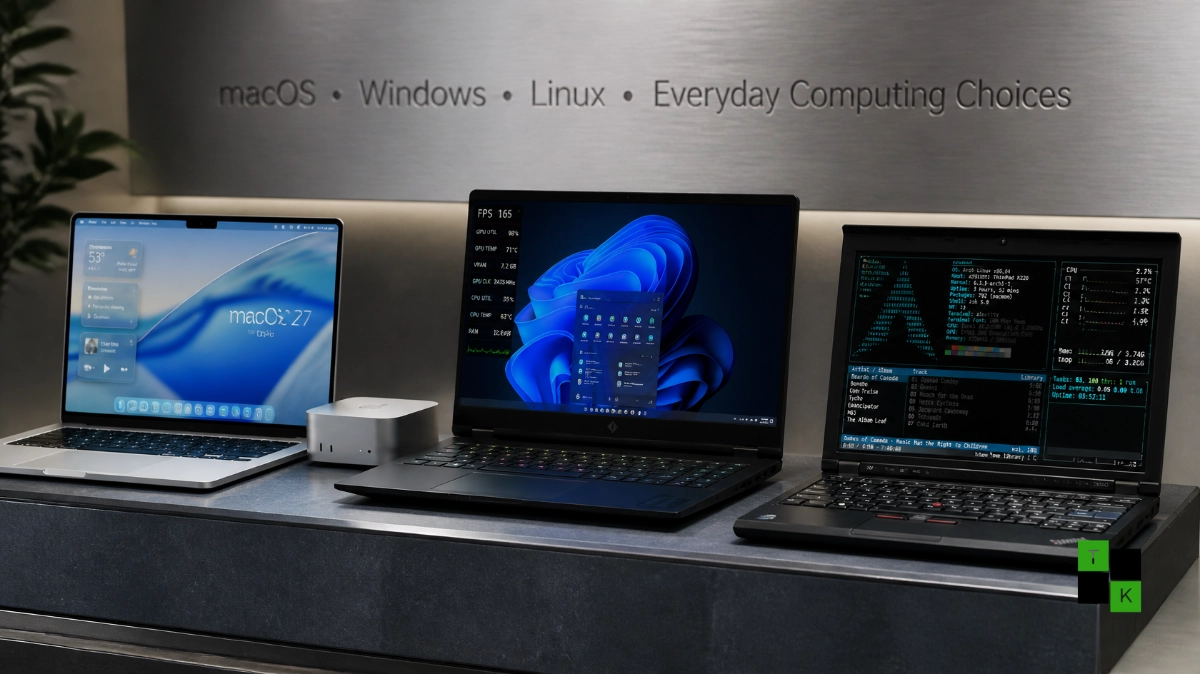
Every few months, a simple “show your daily driver” thread across enthusiast forums turns into a wide-ranging referendum on desktop computing. In late 2026, tech users sharing side-by-side snapshots of sleek aluminum laptops, RGB-lit gaming rigs, and decade-old notebooks have sparked another lively Mac, Windows, and Linux debate.
Rather than crowning a single superior operating system, the conversations underscore how sharply desktop priorities have diverged. Between Apple’s new OLED touchscreen MacBook Pros, Windows’ unmatched gaming and enterprise software library, and Linux’s ability to resurrect aging hardware, platform loyalty comes down to daily workflows, hardware lifecycles, and budget constraints.

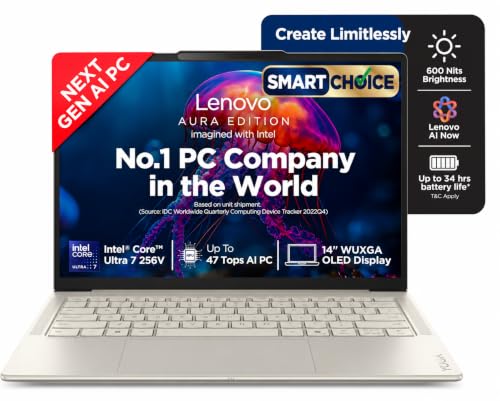


macOS: OLED Displays, Compact Minis, and the macOS 27 Transition
In hardware-focused threads, Apple setups consistently draw praise for display quality, acoustic silence, and desktop footprint efficiency:
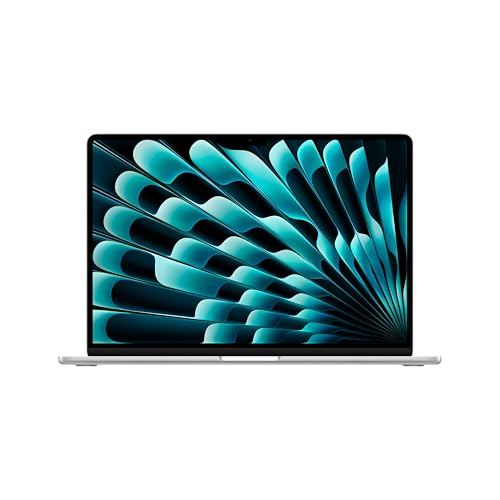
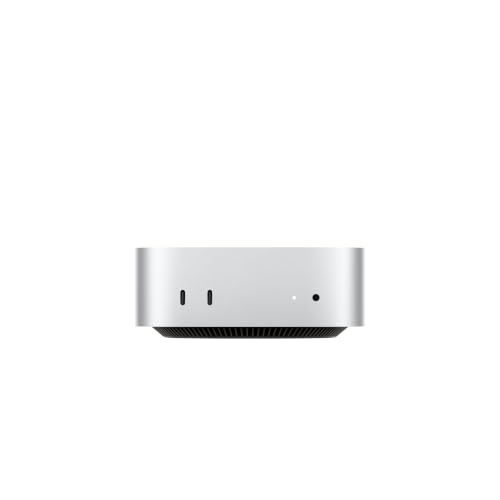
- PROLED XDR Displays & Compact Desktops: Users highlight the visual leap on Apple’s redesigned OLED touchscreen MacBook Pro models alongside the five-by-five-inch Mac mini, which delivers desktop-class Apple Silicon performance in a whisper-quiet chassis.
- The macOS 27 “Golden Gate” Questions: Ongoing discussions frequently circle back to macOS 27 (and its incremental 27.2/27.3 updates), which refined the Liquid Glass interface with a readability slider and introduced conversational Siri AI. Because macOS 27 officially dropped Intel Mac support and marked the final countdown for general-purpose Rosetta translation, owners of older x86 Macs are actively weighing hardware upgrades against migrating to Linux.
- The Reboot Habit Divide: Mac owners often point out that they rarely shut down or reboot their machines outside of major OS point releases, relying on instant wake-from-sleep-a sharp contrast to Windows power users accustomed to frequent driver and Patch Tuesday restarts.
Windows: Unrivaled Gaming, Software Breadth, and Enterprise Lock-In
Despite praise for Apple Silicon’s battery life and efficiency, Windows remains the default backbone for both PC gamers and corporate IT departments:
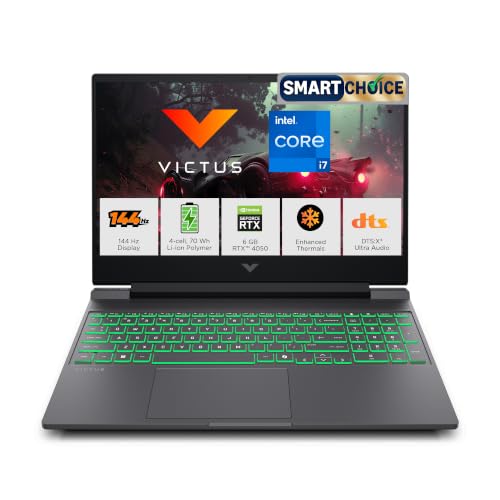
- Native PC Gaming & Backward Compatibility: For anyone running discrete GPUs, high-refresh-rate monitors, or anti-cheat multiplayer titles, Windows remains non-negotiable. Enthusiasts note that while Apple’s Game Porting Toolkit and Valve’s Proton on Linux have narrowed the gap, Windows still runs decades-old titles and day-one AAA releases without translation layers.
- Why Companies Stick with Windows: A recurring question in community threads asks why large organizations continue deploying Windows laptops despite Apple’s performance-per-watt lead. IT administrators point to four practical realities: deep integration with Active Directory, Microsoft 365, and legacy x86 line-of-business software; lower upfront fleet procurement costs; granular Group Policy and endpoint management; and familiar workflows for non-technical staff.
Linux: Deep Customization and Breathing Life into 2012 Hardware
While Mac and Windows dominate new retail hardware, Linux commands fierce loyalty among developers, tinkerers, and budget-conscious users:
- Ubuntu to Arch Customization: From out-of-the-box stability on Ubuntu and Fedora to bleeding-edge, minimal builds on Arch Linux, users showcase tiling window managers, custom kernels, and telemetry-free environments tailored down to every keyboard shortcut.
- Resurrecting Decade-Old Laptops: Some of the most celebrated photos in enthusiast threads aren’t $3,000 workstations-they are 2012-era ThinkPads and MacBooks running lightweight Linux distributions smoothly on 4GB or 8GB of RAM. By stripping away heavy background services and modern OS hardware cutoffs, Linux turns e-waste candidates into fast daily machines for writing, coding, and web browsing.
Platform Comparison: macOS vs. Windows vs. Linux
| Computing Dimension | macOS (macOS 27) | Windows (Windows 11) | Linux (Ubuntu / Arch) |
| Core Hardware Strengths | OLED MacBook Pros, compact Mac minis, high battery efficiency | Custom desktops, discrete GPUs, wide OEM price tiers | Runs on everything from servers to 2012 laptops |
| Software & Gaming | Strong creative/dev suite; limited native AAA gaming | Broadest legacy software & native PC gaming catalog | Best for DevOps/open-source; strong Steam Proton gaming |
| UI & Customization | Polished, uniform Liquid Glass UI; curated ecosystem | Moderate customization; mixed legacy/modern menus | Complete control over desktop environments & kernels |
| Update & Reboot Cadence | Infrequent point updates; weeks of sleep uptime | Regular cumulative updates requiring scheduled reboots | User-controlled updates; minimal mandatory reboots |
| Enterprise Adoption | Growing in tech/creative teams; higher upfront cost | Dominant corporate standard (Active Directory/legacy apps) | Dominant in cloud infrastructure, servers, and engineering |
| Older Hardware Support | Strict cutoffs (macOS 27 requires Apple Silicon) | Strict TPM 2.0 / CPU generation requirements | Unmatched longevity on decade-old x86 hardware |
Practical Takeaway: No Winner, Only the Right Tool
- Choose macOS if your workflow centers on color-accurate OLED displays, quiet portable battery life, video/audio production, or tight integration with an iPhone and iPad-and your budget comfortably covers Apple Silicon hardware.
- Choose Windows if you play competitive multiplayer PC games, rely on specialized engineering or accounting software, want modular desktop GPU upgrades, or work inside a standardized corporate IT environment.
- Choose Linux if you value full control over system telemetry and customization, develop cloud-native software, or want to extend the usable lifespan of an older laptop without spending money on new hardware.
🚨 Stay Updated with TopKhoj! 🚨
Get the latest tech news, deals, and exclusive offers first!
📰 Visit News Section📲 Join our Telegram Channel for real-time updates and best deals!
🔗 Join Telegram Now💡 Stay informed and never miss a great deal with TopKhoj!
⚠️ Disclaimer: Any link provided in the article related to a product or service will redirect you to our affiliate partner(s)' website, which are affiliate links. This means that if you make a purchase through these links, we may earn a commission at no extra cost to you. This commission helps support our blog and our work.
🔔 All prices mentioned above are subject to change based on current offers and availability on e-commerce platforms. Please check the latest price and product details on the product page before making a purchase.