Add TOPKHOJ on Google:
 Preferred Source
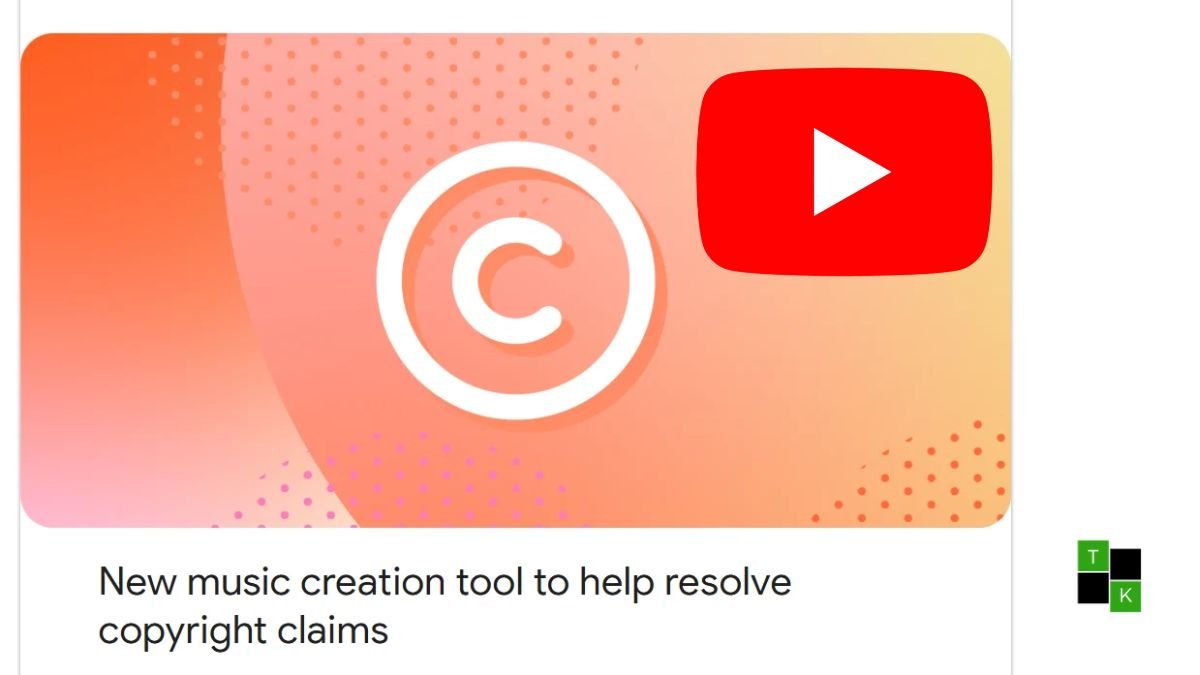
Dealing with an automated Content ID copyright claim on YouTube has long been one of the most frustrating speed bumps for video creators. While claims do not result in copyright strikes, they freeze or redirect ad monetization to the rights holder.
Until now, fixing the issue without pulling down the video meant manually sifting through the static YouTube Audio Library or muting background dialogue entirely. YouTube has streamlined this process with generative intelligence.
Quietly expanding globally on November 3, 2026, YouTube Studio has added an AI-powered music replacement tool integrated directly into the Replace song copyright dispute screen.
With the click of a button, creators can instantly generate four instrumental soundtrack alternatives, preview them directly on the video timeline, and clear copyright claims automatically once applied.
How the AI Replacement Music Tool Works
Rather than browsing thousands of pre-existing stock audio files in the Audio Library, creators can now generate customized instrumental tracks inside the video editor:
- Accessing the Claim: In desktop YouTube Studio, navigate to Content, select the flagged video, click the Copyright notice, and select View details.
- Opening the Generator: Under the Take action menu, choose Replace song. In the Suggestions tab, a new Create button now appears.
- Four Instrumental Variations: Clicking Create automatically generates four distinct, 3-minute instrumental tracks. While custom text prompting is not currently supported, refreshing the tab and clicking Create again generates four entirely new arrangements.
- Timeline Placement: Creators can drag, trim, and loop the 3-minute tracks along the timeline. You can also adjust track volume or mute the original background music exclusively where the replacement track plays.
- Automatic Claim Release: Once the generated audio completely covers the red flagged segment on the editing timeline, clicking Save queues the edit. As soon as server-side processing completes, the copyright claim is automatically dismissed, restoring monetization eligibility.
Audio Quality & Timeline Mechanics
- 3-Minute Track Lengths: Each generated file runs for precisely 3 minutes. For extended copyright claims spanning longer scenes, creators can duplicate or loop the track seamlessly across the affected interval.
- Instrumental Only: To avoid synthetic voice conflicts and deepfake concerns, the generator creates purely instrumental beds-spanning ambient, acoustic, synth, and rhythmic lo-fi styles.
- Smart Voice Preservation: When utilizing the default settings, YouTube isolates and removes only the claimed background music, preserving foreground spoken dialogue and sound effects.
- Downloadable MP3s: Creators can preview tracks in-browser or download the generated MP3 files directly to their local drive for reference.
Important Limitations & Licensing Rules
While the tool provides a rapid fix for unexpected Content ID notices, creators must keep several platform constraints in mind:
- Desktop Studio Only: The AI replacement generator is currently available exclusively on the desktop web version of YouTube Studio. The YouTube Studio mobile app supports trimming and basic audio muting, but not AI song generation.
- Irreversible Edits: As part of YouTube Studio Editor policy updates, changes saved using web editor tools cannot be reverted via “Revert to original”. Creators should back up their original video files locally before applying replacements.
- High-View Constraints: Videos with over 100,000 views that belong to channels outside the YouTube Partner Program may face editor saving restrictions.
- Walled-Garden Licensing: The MP3 tracks generated through this tool are royalty-free strictly for use within the YouTube platform. Exporting these generated tracks to soundtrack TikTok reposts, Instagram Reels, external podcasts, or commercial client ads violates YouTube’s terms of service.
- Regional Availability: The tool is active across most global markets outside the European Economic Area (EEA), where regulatory frameworks surrounding AI training disclosures have delayed deployment.
Comparing YouTube Claim Resolution Methods
| Resolution Method | Time Required | Voice Preservation | Claim Release | Platform Availability |
| AI ‘Create’ Replace Song | 1–2 Minutes | High (Isolates speech) | Automatic upon full swap | Desktop Studio (Non-EEA) |
| Traditional Audio Library | 5–15 Minutes (Manual browse) | High (Isolates speech) | Automatic upon full swap | Desktop Studio |
| Erase / Mute Song | Instant processing | Moderate (May cause artifacts) | Automatic | Desktop & Mobile Studio |
| Mute All Sound in Segment | Instant processing | Zero (Silences entire segment) | Automatic | Desktop & Mobile Studio |
| Trim Out Segment | Cuts video duration | N/A (Deletes scene entirely) | Automatic | Desktop & Mobile Studio |
| Formal Dispute | Up to 30 Days | Retains original audio | Requires claimant approval | Desktop & Mobile Studio |
Strategic Takeaway: Solving Friction at the Point of Pain
Integrating AI track generation directly into the Content ID resolution panel is a smart move for YouTube’s creator operations:
- Eliminating Decision Fatigue: When creators receive a copyright claim, their primary objective is restoring monetization quickly. By surfacing on-demand replacement music right next to the red violation notice, YouTube removes the friction of hunting for safe third-party audio.
- Reducing Support Backlogs: Lowering the barrier to resolving audio claims reduces the volume of frivolous counter-disputes filed by creators who simply used background music by accident.
- The Royalty-Free Landscape: While subscription music platforms like Epidemic Sound, Soundstripe, and Artlist offer human-composed catalogs with multi-platform clearance, YouTube’s native AI generator provides a free, zero-click safety net for day-to-day creator workflows.
🚨 Stay Updated with TopKhoj! 🚨
Get the latest tech news, deals, and exclusive offers first!
📰 Visit News Section📲 Join our Telegram Channel for real-time updates and best deals!
🔗 Join Telegram Now💡 Stay informed and never miss a great deal with TopKhoj!
⚠️ Disclaimer: Any link provided in the article related to a product or service will redirect you to our affiliate partner(s)' website, which are affiliate links. This means that if you make a purchase through these links, we may earn a commission at no extra cost to you. This commission helps support our blog and our work.
🔔 All prices mentioned above are subject to change based on current offers and availability on e-commerce platforms. Please check the latest price and product details on the product page before making a purchase.