Add TOPKHOJ as a Preferred Source on Google
Every few years, the tech industry rallies around a shiny new hardware acronym. First, we were told that a faster CPU was all that mattered for a snappy computer. Next, the GPU took center stage, promising buttery-smooth frame rates for high-end gaming and video rendering.
Now, every tech brand from Apple and Qualcomm to Intel and AMD is talking non-stop about the NPU. Laptops carry shiny stickers boasting “AI PC” status, and smartphones promise real-time translation powered by on-device silicon.
However, you might be asking yourself a fundamental question: What is an NPU, and why do we need yet another processing unit inside our devices? Let’s break down how this specialized silicon works, why it differs from your trusty CPU and GPU, and what it actually changes in your daily digital life.
Quick Summary
- CPU (Central Processing Unit): The ultimate generalist. It manages operating system tasks, opens apps, and executes sequential logic with high speed.
- GPU (Graphics Processing Unit): The parallel powerhouse. Designed to render millions of pixels simultaneously, making it great for 3D gaming and heavy AI model training.
- NPU (Neural Processing Unit): The AI specialist. Purpose-built to handle complex neural network math at ultra-low power levels, enabling continuous on-device AI processing without nuking your battery.
What Is an NPU? (The Simple Explanation)
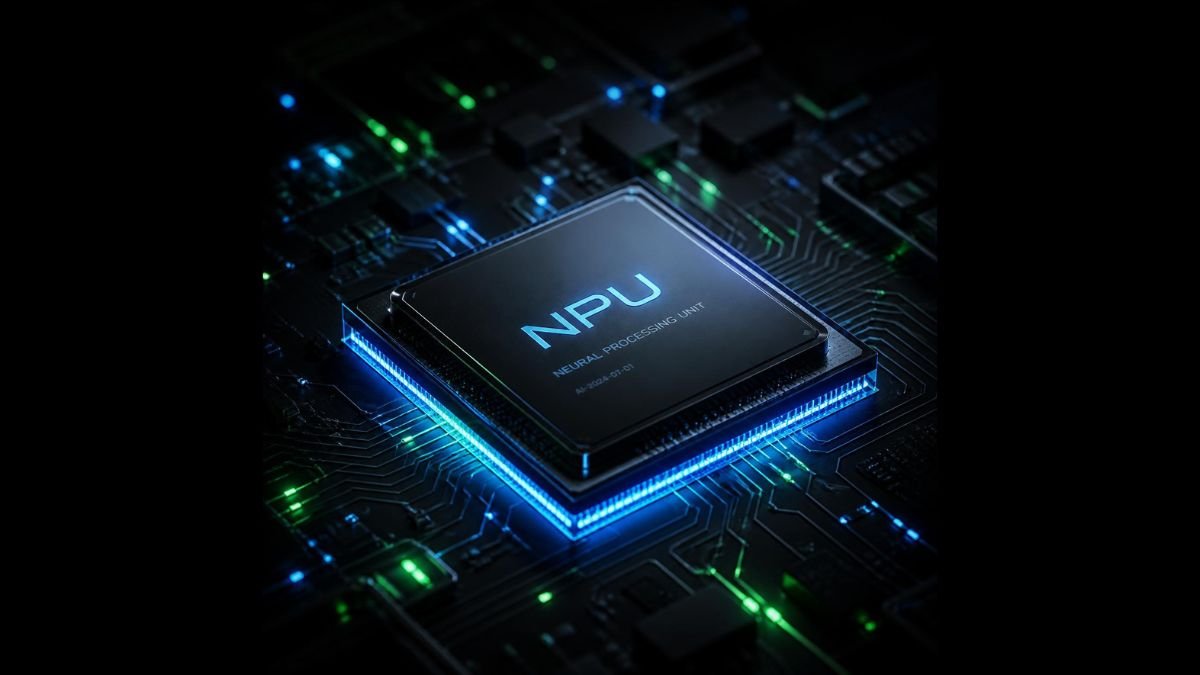
A Neural Processing Unit (NPU) is a specialized microprocessor engineered specifically to accelerate machine learning algorithms and artificial intelligence tasks directly on your device.
Instead of routing every single AI query—like live voice transcription, photo background blur, or generative text—to a distant server in the cloud, an NPU handles those calculations locally on your phone or laptop.
Think of a modern computer processor as a high-volume restaurant kitchen:
- The CPU is the Executive Head Chef. It takes orders, coordinates tasks, keeps the kitchen organized, and makes split-second management decisions.
- The GPU is the Prep Station Crew. It handles dozens of identical, repetitive prep jobs simultaneously—chopping endless vegetables or plating hundreds of garnishes at once.
- The NPU is the Pastry Master. It does not try to handle main courses or manage the kitchen floor. Instead, it sits at a dedicated station using specialized tools to churn out intricate desserts with surgical precision and minimal wasted energy.
How It Works: Under the Hood of Neural Math
To understand why NPUs are taking over modern chip design, we need to examine the specific mathematical workload required by Artificial Intelligence.
Traditional software applications rely heavily on conditional logic—if-then statements, sequential commands, and exact floating-point calculations. AI algorithms and deep neural networks, on the other hand, depend almost entirely on matrix multiplication and tensor operations.
When an AI model runs inference—such as recognizing your face in portrait mode or filtering background noise during a Zoom call—it calculates millions of weighted probability arrays simultaneously.
[ Traditional Software Logic ]  --->  Sequential Instruction Stream  --->  CPU
[ 3D Graphics / Rendering ]     --->  Massive Geometry Parallelism  --->  GPU
[ Deep Learning Inference ]     --->  Low-Precision Matrix Math      --->  NPU
While a CPU can perform matrix math, it handles instructions in small, sequential batches. Consequently, forcing a CPU to process deep learning algorithms leads to massive bottlenecks and high latency.
A GPU can handle matrix calculations far better because it contains thousands of small compute cores. However, GPUs are power-hungry beasts. If your laptop ran its high-wattage graphics card full-tilt every time noise cancellation activated on a video call, your battery life would plummet from eight hours to ninety minutes!
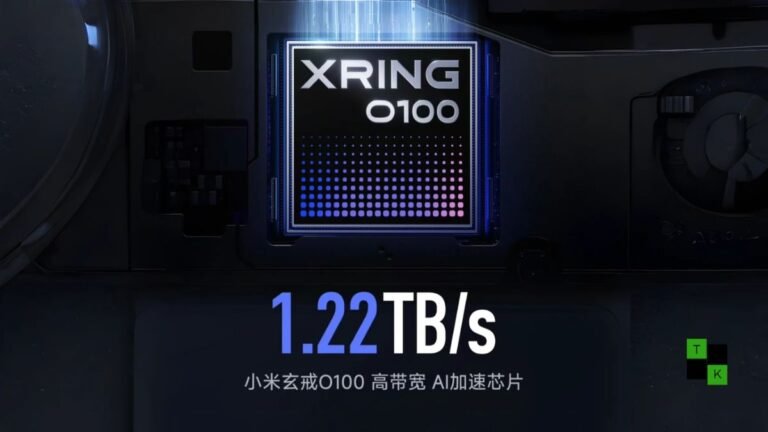
This is precisely where the NPU shines. NPUs feature dedicated hardware circuits designed specifically for low-precision arithmetic (such as INT8 or FP16 operations). By prioritizing efficiency over raw brute-force computing, an NPU completes neural network calculations using a fraction of the power required by a GPU.
NPU vs. CPU vs. GPU: The Architectural Breakdown
Modern System-on-Chips (SoCs)—such as Apple’s M-series chips, Qualcomm’s Snapdragon X Elite, Intel Core Ultra, and AMD Ryzen AI—don’t choose between these processors. Instead, they combine all three onto a single piece of silicon. This approach is known as Heterogeneous Computing.
Here is how the three main processing engines stack up side by side:
| Attribute | Central Processing Unit (CPU) | Graphics Processing Unit (GPU) | Neural Processing Unit (NPU) |
| Primary Specialty | Fast sequential logic & system commands | Massive parallel graphics & heavy rendering | Low-power AI inference & neural matrix math |
| Core Design | Few ultra-powerful cores | Thousands of smaller parallel cores | Specialized MAC (Multiply-Accumulate) arrays |
| Power Consumption | Moderate to High | High to Very High | Extremely Low |
| Performance Metric | GHz, IPC, Single-Thread score | TFLOPS, VRAM Bandwidth | TOPS (Trillions of Operations Per Second) |
| Best Everyday Use | Web browsing, OS management, app launch | 3D Gaming, 4K Video Editing, AI Model Training | Live voice typing, eye tracking, background blur, studio effects |
Understanding TOPS: The Metric That Matters
When shopping for an AI-capable PC or smartphone, you will frequently see the acronym TOPS.
TOPS stands for Trillions of Operations Per Second. It measures how many math calculations an NPU can execute in one second. For instance, Microsoft’s Copilot+ PC specification requires a dedicated NPU capable of at least 40 TOPS to run advanced local Windows AI features smoothly.
Real-World Impact: What NPUs Actually Do for You
Hardware metrics sound great on paper, but how does an NPU change your daily experience when opening up a laptop or phone? Because NPUs operate continuously in the background, their presence is felt through quiet, seamless enhancements rather than flashy benchmark scores:
1. Superior Battery Efficiency
Offloading background AI tasks to the NPU keeps your primary CPU and GPU cores asleep. Therefore, running webcam auto-framing, studio portrait lighting, and real-time audio noise suppression during a two-hour conference call barely drains your battery gauge.
2. Enhanced Privacy and Local Security
When AI features rely on cloud processing, your private data—voice recordings, webcam feeds, personal notes—must travel across the internet to a remote server. Because an NPU handles AI models directly on your hardware, sensitive information stays completely on your local drive.
3. Zero Latency Offline AI
Because local inference doesn’t depend on cloud servers, features like real-time language translation or instant image search function flawlessly even when you are on an airplane or stuck without Wi-Fi.
Common Myths & Misconceptions Busted
As tech manufacturers race to market AI features, marketing buzzwords often cloud the truth. Let’s clear up the biggest misconceptions surrounding NPUs:
- Myth #1: “An NPU will replace your GPU.”
- Reality: Absolutely not. NPUs cannot render 3D game geometry or output display signals. Furthermore, large-scale AI model training still happens on high-power enterprise GPUs. NPUs specialize primarily in model inference (running pre-trained models).
- Myth #2: “If my laptop doesn’t have an NPU, I can’t use AI.”
- Reality: You can still run cloud-based AI applications like ChatGPT or Claude smoothly because the processing happens on external cloud servers. However, you will miss out on local system-level AI accelerations built into modern operating systems.
- Myth #3: “Higher TOPS always means better real-world performance.”
- Reality: Peak TOPS figures don’t tell the full story. Software optimization, memory bandwidth, and thermal management play equally crucial roles in determining how fast an AI feature responds.
Pro-Tips: How to Know If You Need an NPU Today
If you are planning your next device purchase, consider these practical rules of thumb:
- Check Your Workday Routine: If you spend hours on video calls, record voice memos, or use productivity tools with real-time translation, buying a laptop with an NPU will deliver noticeable battery savings.
- Look for 40+ TOPS for Future-Proofing: If you want native support for upcoming Windows 11 Copilot features and local desktop assistants, target chips with at least 40 TOPS of dedicated NPU performance.
- Gamers and Creators Still Need Discrete GPUs: If high-end 4K video editing, 3D rendering, or AAA gaming is your primary focus, prioritizing a strong GPU remains far more critical than choosing an NPU-centric laptop.
Frequently Asked Questions
Q1: Can an NPU make my existing non-AI software run faster?
No, an NPU only accelerates applications explicitly compiled to target neural processing APIs (like DirectML, Windows Machine Learning, or CoreML). Traditional apps like web browsers, spreadsheet software, or file managers still rely on the CPU.
Q2: Is Apple’s “Neural Engine” the same thing as an NPU?
Yes! Apple has integrated dedicated AI hardware called the “Neural Engine” into iPhone SoCs (since the A11 Bionic in 2017) and M-series Macs. “Neural Engine” is simply Apple’s brand name for their built-in NPU.
Q3: What is the difference between an NPU and a TPU?
A TPU (Tensor Processing Unit) is Google’s custom AI accelerator. While TPUs are predominantly massive cloud-based chips installed in Google’s data centers for large-scale training, NPUs are scaled down for energy-efficient local inference on consumer phones and laptops.
Conclusion & Final Takeaway
Computing has officially entered the era of heterogeneous processing. The arrival of the Neural Processing Unit doesn’t mean the CPU or GPU are going anywhere. Instead, the NPU completes the silicon triad.
By taking over specialized neural math, the NPU frees up your CPU to handle system management and your GPU to handle rich visuals. As software developers continue building intelligent local features into everyday apps, having a capable NPU under the hood will soon be as essential as having a fast SSD or plenty of RAM.
🚨 Stay Updated with TopKhoj! 🚨
Get the latest tech news, deals, and exclusive offers first!
📰 Visit News Section📲 Join our Telegram Channel for real-time updates and best deals!
🔗 Join Telegram Now💡 Stay informed and never miss a great deal with TopKhoj!
⚠️ Disclaimer: Any link provided in the article related to a product or service will redirect you to our affiliate partner(s)' website, which are affiliate links. This means that if you make a purchase through these links, we may earn a commission at no extra cost to you. This commission helps support our blog and our work.
🔔 All prices mentioned above are subject to change based on current offers and availability on e-commerce platforms. Please check the latest price and product details on the product page before making a purchase.